
Editions
Edition management and print runs
Model a poster run, edition line, or publication run once, then sell, reserve, and commit copies without duplicate parent records.
Edition items commit on invoice paid, storefront checkout, and installment completion through one path.
Numbering that survives the sale
Edition hierarchy
Bind edition lines to parent works. Track runs, counts, and individual copy numbers in the Editions tab.
InventoryReserve & commit
Storefront cart reserves a copy. Payment commits sold status and updates linked rooms and site feeds.
Storefront guideRooms & site feeds
Availability propagates to Website Studio and private rooms from the same run.
Website builderCertificates
Certificate records attach to edition items for COA workflows and export packets.
PDF exportsRuns, not duplicate titles
A 30-print run is one edition with thirty items, not thirty nearly identical artwork rows.
- Fungible stock and numbered copies each use the right structure.
- Parent work and edition line share artist and provenance context.
- Rooms and storefront show which copies remain without spreadsheet sync.
- Sold, reserved, and available transitions log per item.
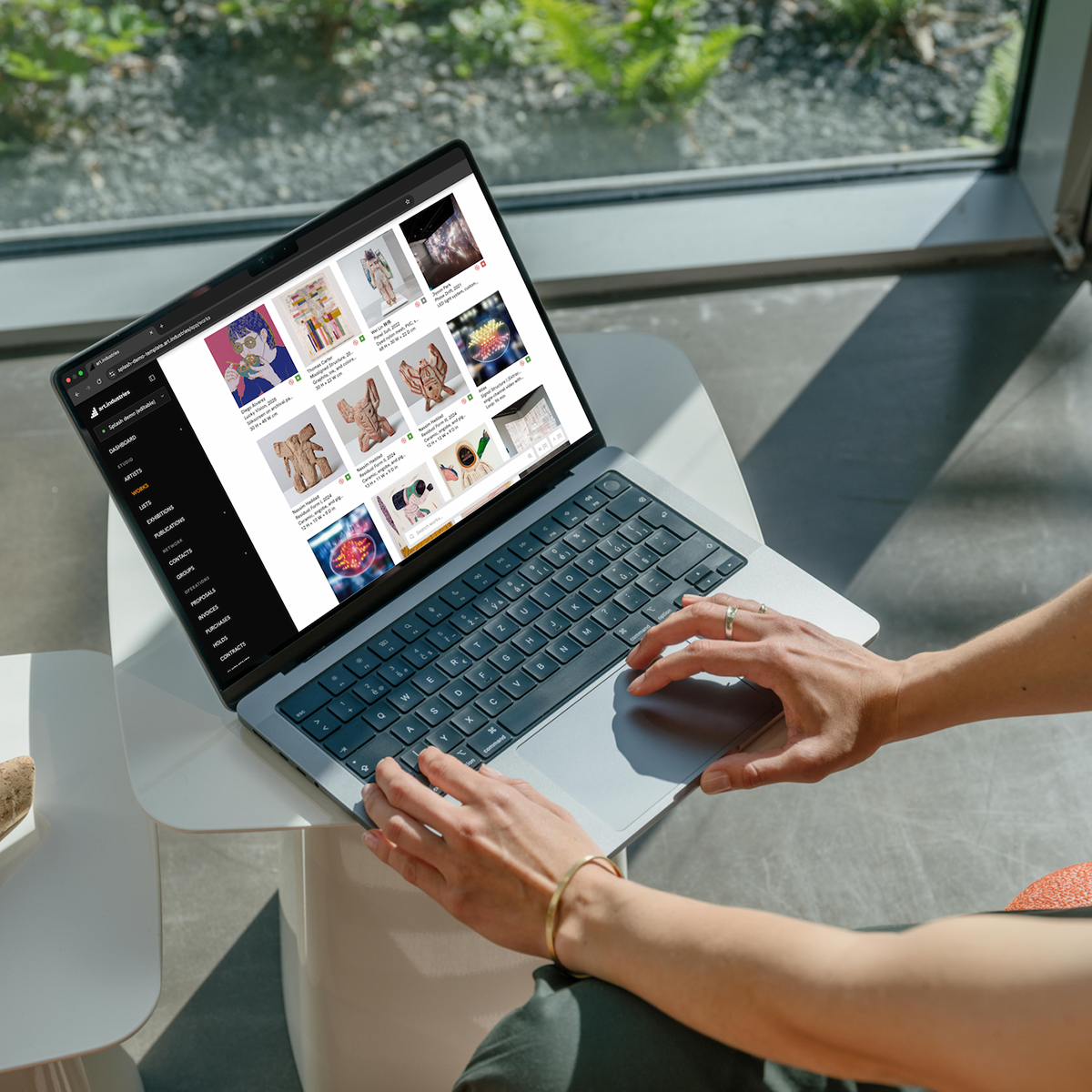
Commit when payment lands
Stripe checkout, invoice paid, and agent mark-paid share one commit path so copy 4/10 stays sold even if webhooks retry.
- Add-to-cart holds the copy until checkout completes or times out.
- Installment plans commit when the line is fully covered.
- Refunds reverse inventory movement through the same service where applicable.
- Manual paid transitions use the same helper as automation.
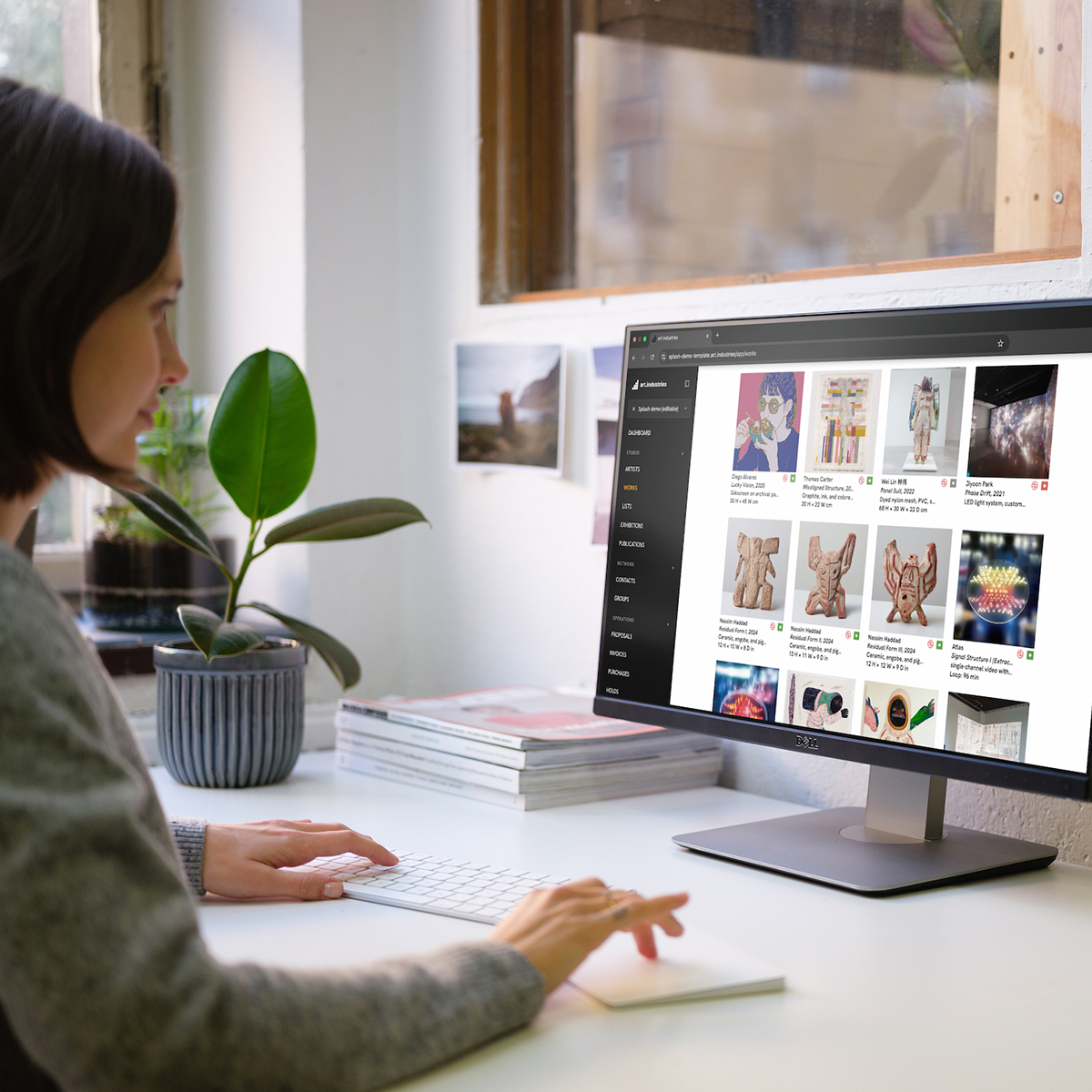
Sell editions everywhere
One run can appear in a storefront block, a private room, and a campaign segment.
- Stripe checkout inherits price, shipping, and tax rules from the workspace.
- Room captions show edition size and remaining count per copy.
- Email blocks can pull available edition lines from filter presets.
- Dashboard analytics treat edition sales alongside unique works.
FAQ
- Is edition management included on every plan?
- Edition runs use the same workspace as inventory, CRM, rooms, and invoicing. See pricing for plan details.
- Can we migrate numbered editions from spreadsheets?
- Yes. Start with parent works, edition lines, and current copy statuses. Add certificates and location history once the run structure is in.
- Does it work for small print runs?
- Yes. A short poster run and a large numbered edition share the same reserve-and-commit path.
- How do editions appear on the public website?
- Website Studio and storefront checkout read availability from the same edition run.
- What commits a copy as sold?
- Storefront checkout, invoice paid, installment completion, and manual mark-paid share one commit path so copy 4/10 stays sold even if webhooks retry.
Try editions and print runs on free Core
Bring real works and contacts into the workspace, then run one loop from shortlist to invoice.