
Languages
Multilingual publishing
Your team works in its own language, your collectors read in theirs, and one catalogue record feeds both.
App in English, Spanish, German, French, Japanese, Korean, and Chinese. Public sites, rooms, and exports publish per language.
One catalogue, every language your collectors read
App in seven languages
Registrars, directors, and associates each use the workspace in their own language. The records stay shared; only the interface changes.
InventoryTranslated records
Titles, mediums, and catalogue text carry per-language translations on the work record, with your default publishing language set per workspace.
Artwork recordsMultilingual public website
Website Studio publishes per-language pages with hreflang, so collectors land on their language and search engines index each one.
Website builderRooms and exports per language
Send a viewing room or generate a PDF catalogue in the language of the collector receiving it.
Viewing roomsTranslations live on the record, not in copies
The classic failure is a translated price list in a Word file that nobody updates. Here, translations are fields on the work itself.
- Title, medium, and descriptive text store per-language variants on one record.
- The workspace default publishing language anchors what untranslated surfaces show.
- Edit the work once; every language surface reads the change.
- Translation status is visible per work, so gaps are findable instead of silent.
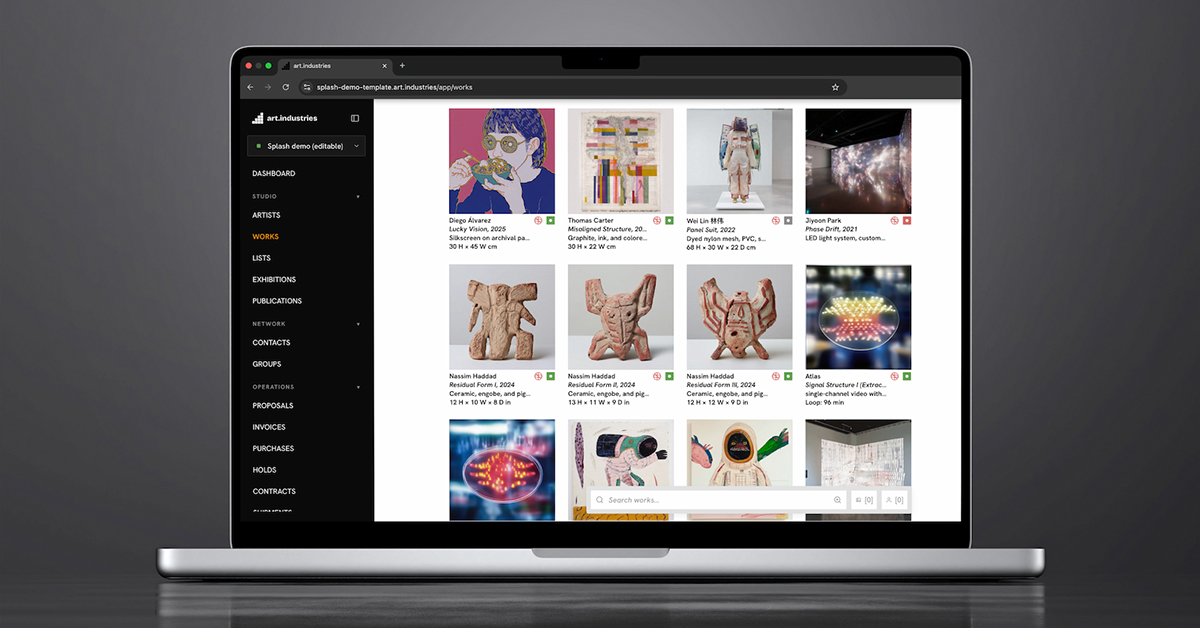
A public site that ranks in each language
Per-language pages on your own domain, with hreflang alternates, so a Tokyo collector and a Madrid advisor each find and read the same exhibition.
- Each published language gets real URLs, not a machine-translation overlay.
- hreflang tags tell search engines which page serves which audience.
- Artist pages, exhibitions, and works feeds publish per language from the catalogue.
- Sold and availability states stay synchronized across every language version.
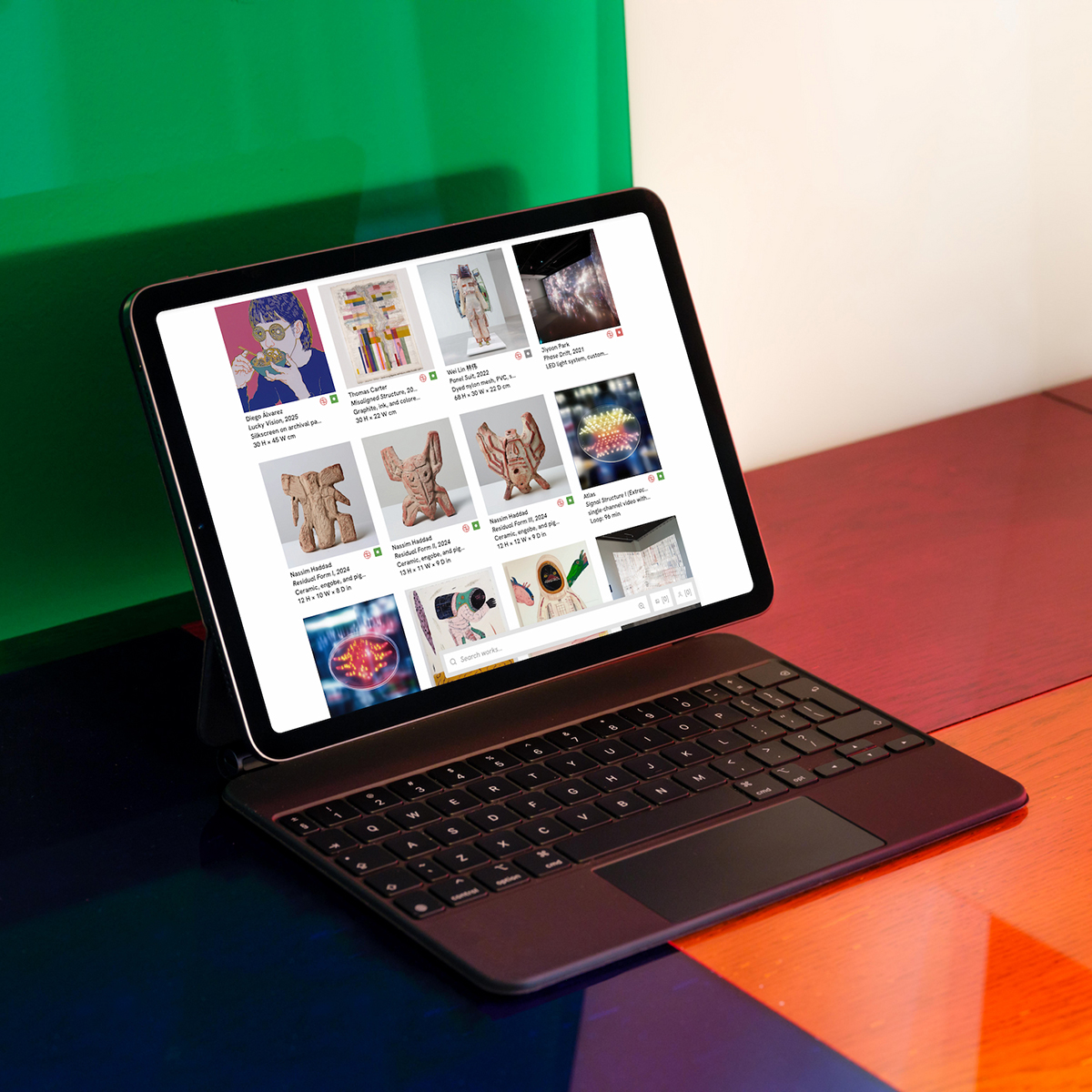
Sell in the language of the buyer
The sales surfaces collectors actually touch (rooms, catalogues, portal) follow the language of the person receiving them.
- Viewing rooms present captions and context in the recipient's language.
- PDF catalogues and exports generate per language for fairs and client meetings.
- The collector portal reads naturally for international buyers.
- One contact record tracks the conversation regardless of language.
FAQ
- Which languages does the app support?
- English, Spanish, German, French, Japanese, Korean, and Chinese. Each user picks an interface language; records stay shared.
- Do translations live on the artwork record?
- Yes. Titles, mediums, and catalogue text carry per-language fields on the work record.
- Can the public website publish per language?
- Website Studio publishes hreflang pages so collectors and search engines see each language.
- Can viewing rooms and PDFs use the collector language?
- Yes. Send a viewing room or PDF export in the recipient language.
- Is multilingual publishing included on every plan?
- Translation fields and app languages run on Core. Public multilingual publish uses Website Studio on Advanced; see pricing.
Try multilingual publishing on free Core
Bring real works and contacts into the workspace, then run one loop from shortlist to invoice.