
Campaigns
Email campaigns for galleries
Send openings, fair follow-ups, and new-work announcements from segments that stay current after every sale.
Transactional offer emails and marketing campaigns share the same contact timeline.
Reach collectors from live gallery data
CRM segments
Filter on artists owned, price range, last room open, or fair attendance. Segments refresh when records change.
CRMBranded templates
Gallery typography, hero blocks, and works feeds pull from the catalogue at send time.
Campaigns guideOffer emails
Pipeline offer emails log alongside campaigns on the same contact timeline.
Sales pipelineUnsubscribe & consent
Global unsubscribe suppresses future sends. Opt-in source and consent history stay on the contact.
CRM guideSegments that survive a sale
A mailing list exported on Friday is wrong by Monday. Saved CRM queries refresh automatically so you never email a collector about a work they already bought.
- Filter on medium, artist line, purchase history, and engagement signals.
- Reuse the same segment for campaigns, room sends, and opening invitations.
- Global unsubscribe applies across every future marketing send.
- Campaign attribution ties storefront orders back to the send when UTM tags are present.
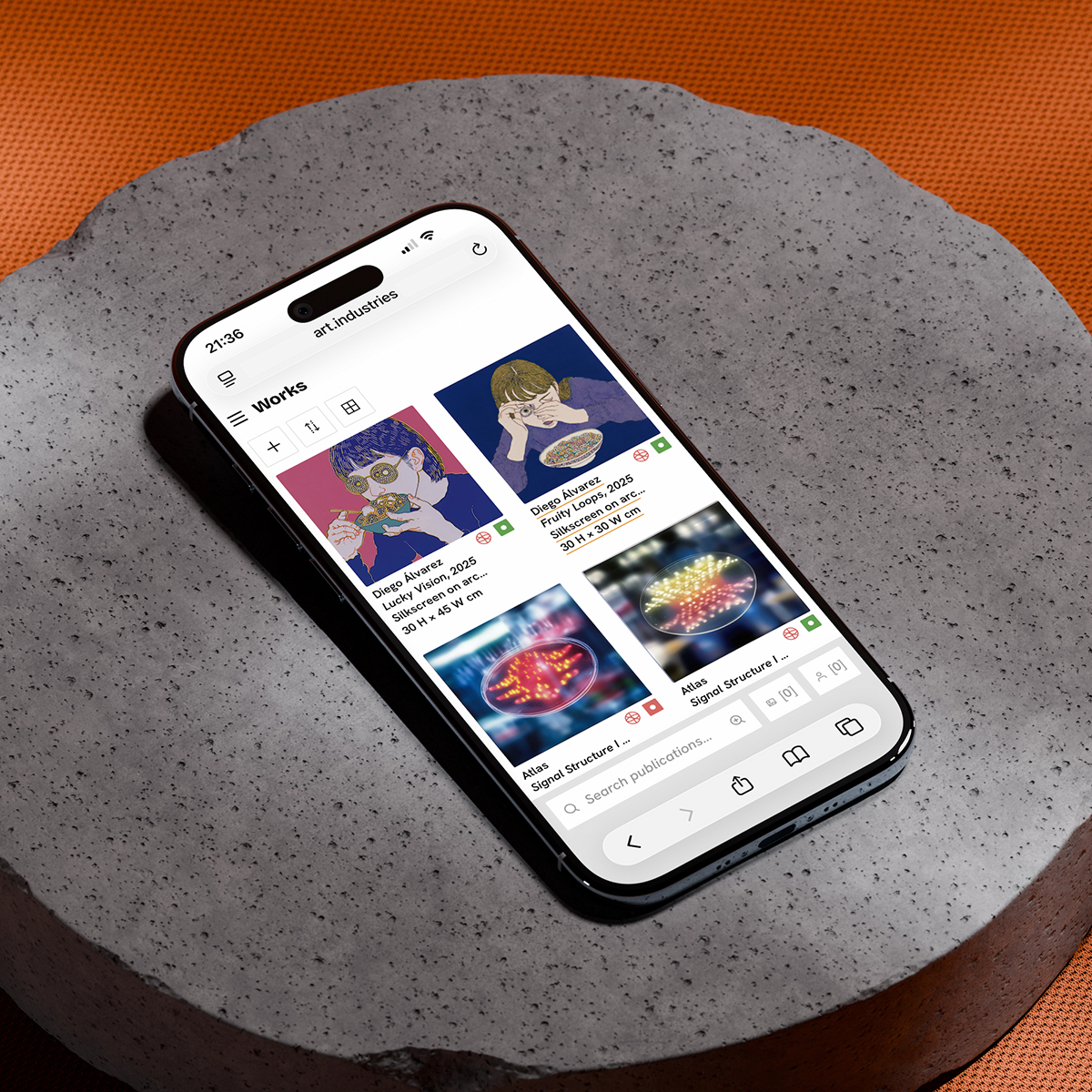
Works feeds in the email body
Pull available works from filter presets so the email shows live availability, not a screenshot from last week.
- Works blocks inherit primary image, title, and price mode from inventory.
- Sold works drop out of the feed on the next send without manual edits.
- Pair with private rooms for VIP pre-fair previews.
- Multilingual sends use per-language catalogue fields where translated.
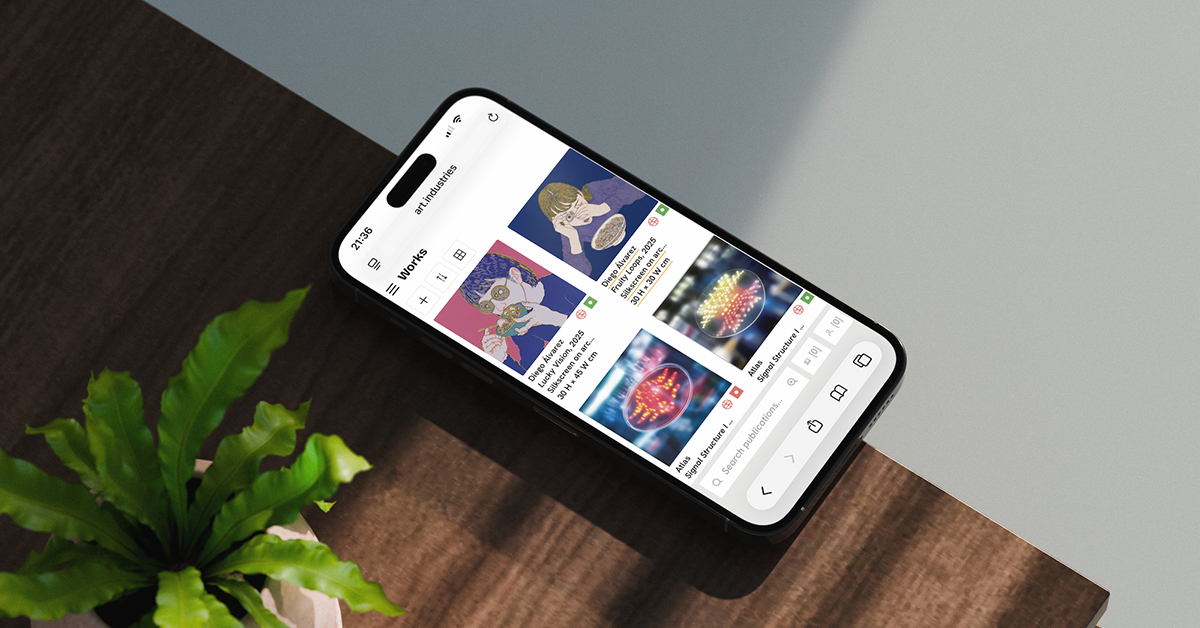
Follow-up wired to opens
Opens and clicks append to the contact in CRM. Call while the email is still warm or let the agent queue a playbook.
- Campaign events sit next to room visits and invoice history on the timeline.
- Follow-ups rows can launch a fair-week nurture playbook from an unopened send.
- Offer emails from the pipeline use the same delivery infrastructure.
- See the email campaigns guide for the full workflow.
FAQ
- Do campaigns require a separate email provider?
- No. Campaigns send from your workspace with gallery branding. Connect your sending domain once; segments and templates live beside CRM and inventory.
- Can I reuse a segment for viewing rooms and campaigns?
- Yes. The same saved query powers a private room recipient list and a marketing send without exporting contacts.
- How does unsubscribe work?
- One global unsubscribe suppresses the contact from every future marketing send. Transactional offer emails and invoices follow separate rules documented in the CRM guide.
- Can the AI agent draft or send campaigns?
- Yes. The AI workspace agent can build a segment from a query and draft or send a campaign with confirmation.
- What should I send first?
- Pick one real segment, collectors who opened your last fair room, and send a three-work follow-up with a link to a fresh viewing room.
Try email campaigns on free Core
Bring real works and contacts into the workspace, then run one loop from shortlist to invoice.