
Craft fairs & markets
Craft fairs software that keeps up with your booth
Print a booth checklist from live stock, take card payments without a register, mark pieces sold from your phone, and email everyone you met from the same catalogue.
Same platform as makers and jewelers. Also for galleries and artists at art fairs. Download the free craft fair checklist.
Run the booth from one catalogue
Booth inventory
Photos, price, materials, and availability on every piece: filter what is going to the fair, what stays in studio storage, and what is already reserved.
InventoryChecklist & price list PDFs
Export a booth checklist and price sheet from your fair selection before load-in. Dimensions and SKUs match the record on the table.
Exports & PDFsPayments at the booth
Send Stripe payment links or invoices from your phone: card, Apple Pay, and bank transfer without a countertop register.
Booth paymentsCustomer CRM
Capture fair conversations as contacts linked to the pieces they touched: wholesale buyers, repeat collectors, and press in one list.
CRMPost-fair follow-up
Email segments from booth contacts, send a private viewing room of unsold work, and track who opened what before the next show.
Email campaignsBefore load-in: lock the booth list
The expensive mistake is retyping your spreadsheet into a price list the night before the fair. Pick pieces from inventory, assign them to a fair location, and export the checklist once.
- Filter by location to see only what is tagged for this weekend's booth.
- Print checklist PDFs and tear sheets from the same records your team uses at the table.
- Reserve pieces for wholesale buyers or Instagram holds before you pack the van.
- Use the free art fair checklist tool to sanity-check dimensions against crates.
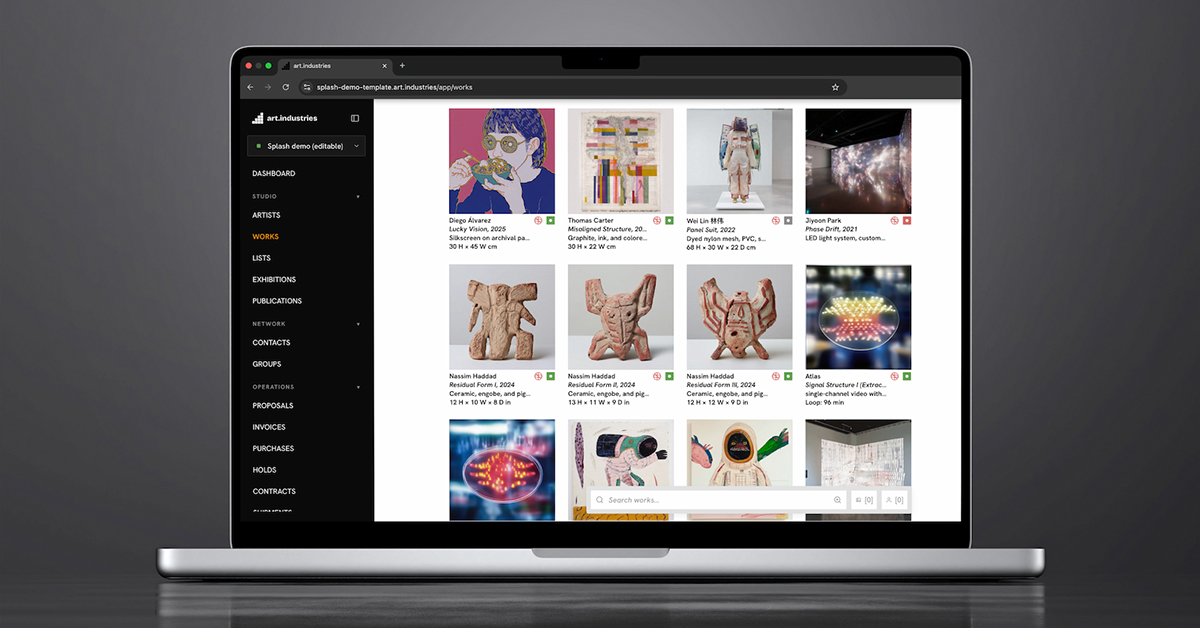
At the booth: sell without a register
Craft fair Wi-Fi is unreliable; countertop POS hardware is extra weight. Payment links let buyers pay on their own phone while the sale writes to inventory immediately.
- Open a piece, create an invoice or deposit, show the Stripe link; sold status updates everywhere.
- Works for one-offs, numbered editions, and made-to-order deposits. See gallery POS alternative for why retail registers miss this.
- Record external cash or Venmo sales so stock counts stay honest when you reconcile Sunday night.
- Add booth notes to contacts while the conversation is fresh, linked to the works they asked about.
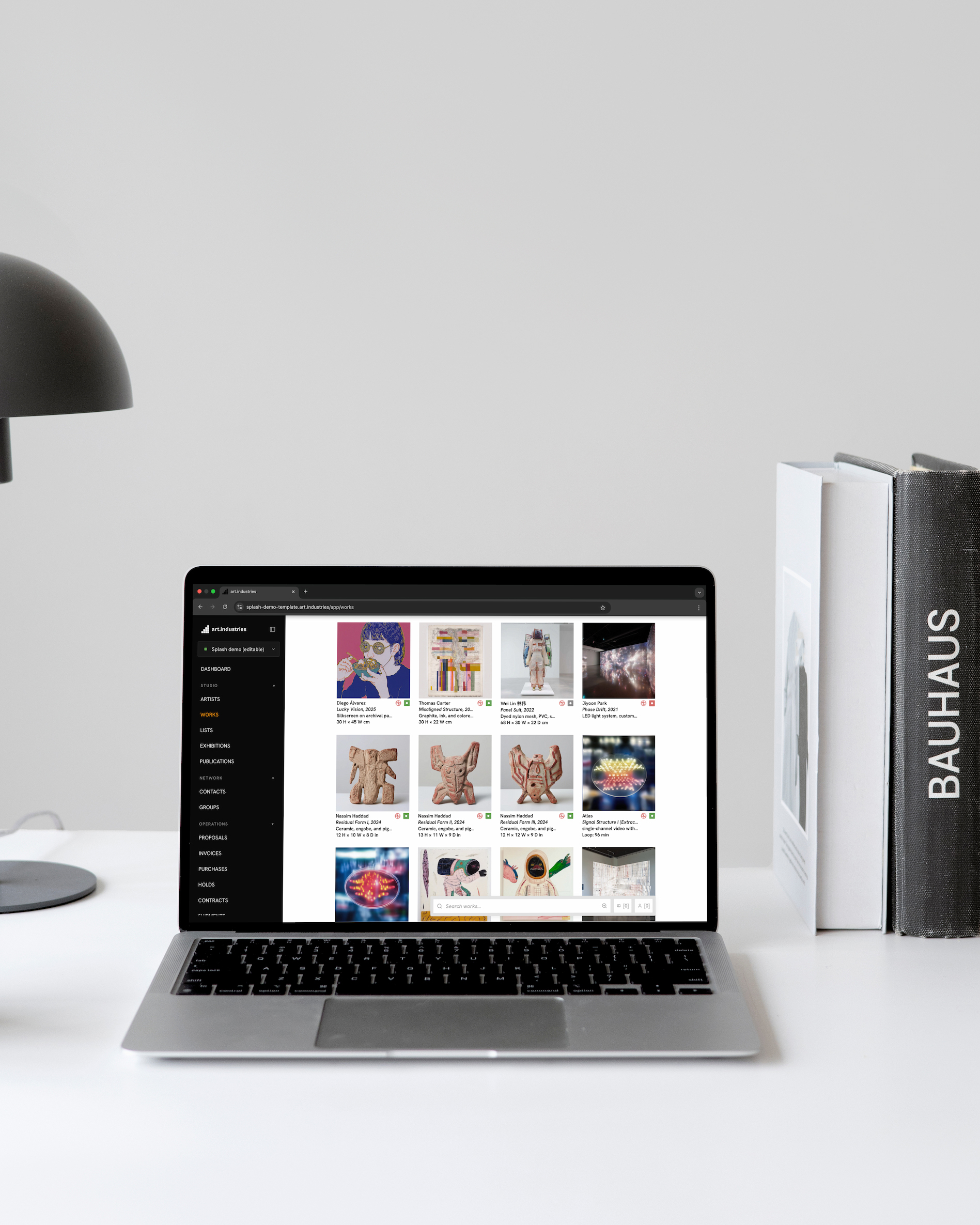
After the fair: follow-up that pays for the booth fee
Most revenue from a fair arrives in the week after, if you can find the names. Booth CRM turns Saturday conversations into Monday emails and viewing rooms.
- Send a three-piece viewing room to everyone who asked for photos you did not have on the table.
- Segment email campaigns by fair attendance tag: wholesale lines vs retail buyers.
- Mark returned pieces back in studio storage in one batch; location history shows what came home unsold.
- Pair with Sell direct and keep Etsy when marketplace listings need updating after the show.
FAQ
- Who is this for?
- Ceramicists, jewelers, textile artists, and makers who sell at craft fairs, artisan markets, and holiday shows. Galleries and artists at commercial art fairs should start on software for art fair exhibitors.
- How is this different from the art fairs solutions page?
- This page is tuned for craft markets and studio vendors. Art fairs & festivals covers gallery booths, artist fair presentations, and makers in one exhibitor workflow.
- Do I need Square or Shopify POS at my booth?
- Not for unique pieces and deposits. Stripe payment links cover card and wallet checkout on the buyer's phone, tied to the piece record. High-volume merch at a counter may still use retail POS alongside this; see gallery POS alternative.
- Can I use this on my phone with bad fair Wi-Fi?
- Yes. The web app reads from a local cache and reconciles when connectivity returns: look up dimensions, mark sold, and draft contacts while the venue Wi-Fi drops. Heavy photo uploads wait for a real connection.
- How is this different from the makers page?
- Software for makers covers the whole studio loop: Etsy, wholesale, storefront, and year-round inventory. This page focuses on fair week: booth lists, on-site sales, and post-show follow-up. Most craft vendors use both pages as one workflow.
- Can I track what I sold vs what came home?
- Yes. Mark pieces sold at the booth, reserved for a buyer, or returned to studio storage. Export a pre-fair checklist and reconcile against sales when you unpack; the same location model makers use for multi-show seasons.
- What does free Core include for a solo vendor?
- Core (no card required) covers inventory, CRM, viewing rooms, invoicing, and Stripe payment links up to the entry capacity tier. Advanced ($30/month) adds your own-domain website, email campaigns, and the public storefront. See pricing.
Build your next booth list on free Core
Enter or import the pieces you are actually taking to the fair, export one checklist PDF, and send one payment link at a test price. If that loop works, it scales to every show on your calendar.