
Room alerts
Viewing room alerts
Know when your shortlisted collector opens the room or lingers on a work while the conversation is still warm.
Per contact and per room subscriptions from the Share tab. Hourly dedupe during fair week.
Engagement signals while they are still looking
Per-recipient subscriptions
Staff opt in to alerts for a specific collector on a specific room, tied to share-grant identity.
Viewing roomsOpen & artwork events
Notifications on room open and per-artwork views with contact name, room title, and work title.
Rooms guideIn-app, email, push
Alerts follow workspace notification preferences: bell, email, web push, and iOS where enabled.
CRM timelineCRM follow-through
Engagement logs on the contact. Pair alerts with pipeline follow-up or an agent playbook.
Sales pipelineSubscribe from the Share tab
When you send a room to a known contact, subscribe to that pair in one toggle. Alerts match the same grant identity as analytics.
- Share links carry contact scope; anonymous opens do not spam subscribers.
- Repeated refreshes in the same hour collapse to one open alert per subscriber.
- A second alert names the work when the collector drills into a specific piece.
- Tap the notification to land on the room with context.
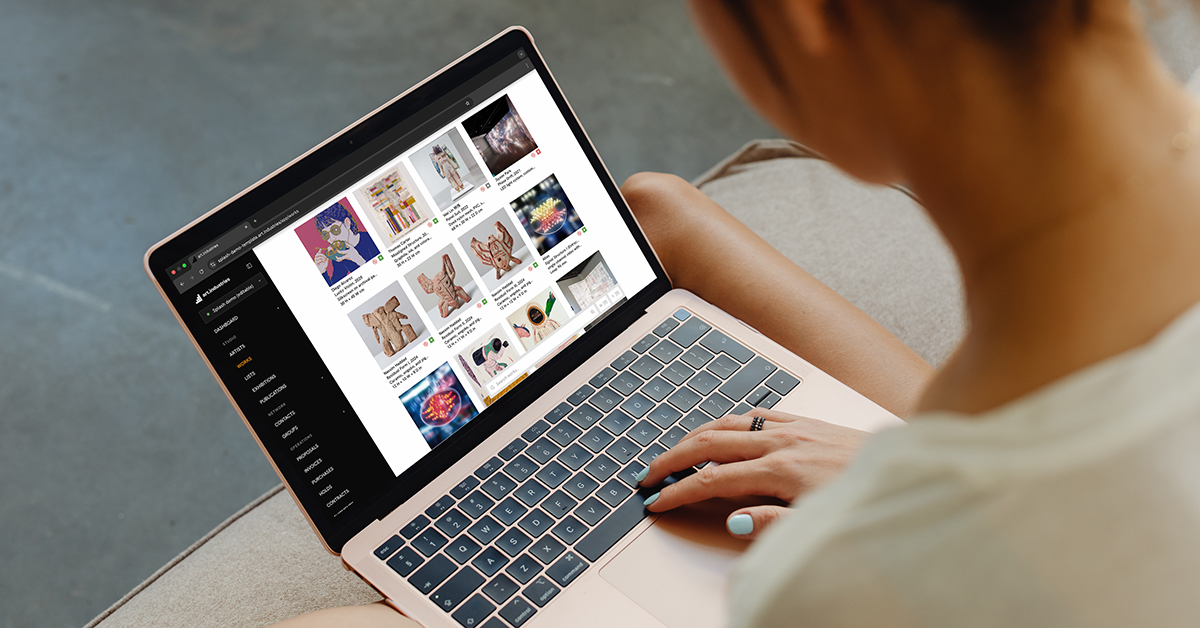
Fair week without inbox overload
Directors subscribe only to the collectors they are chasing that week, not every open on every room.
- Each user chooses their pairs. Revoking a grant stops future alerts.
- Mute email but keep push, or vice versa, in notification preferences.
- Room analytics CSV still captures dwell time for post-fair review.
- Revoking a leaked link stops new events immediately.
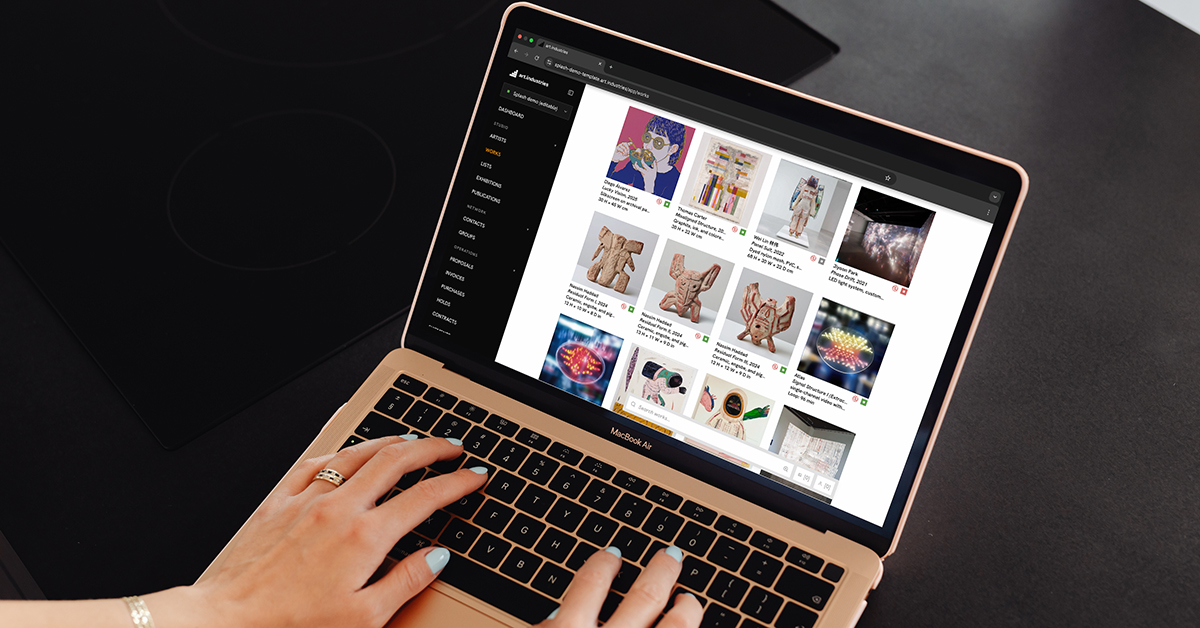
Close the loop while interest is live
The alert is the trigger. CRM carries the history. Call while they are still in the room.
- Opens and artwork views append to the contact activity feed.
- Jump from the alert to the open deal or create one from the room selection.
- Send a Stripe payment link from the same contact.
- Follow-ups queue rows can launch the room-engagement playbook.
FAQ
- Are viewing room alerts included on every plan?
- Alerts run on the same workspace as viewing rooms and CRM. See pricing for plan details.
- Can I subscribe to alerts for one collector only?
- Yes. Subscribe per contact and per room from the Share tab so fair week does not notify you about every open.
- How does dedupe work during fair week?
- Repeated refreshes in the same hour collapse to one open alert per subscriber. A second alert names the work when they drill into a piece.
- Which channels receive alerts?
- Alerts follow workspace notification preferences: in-app bell, email, web push, and iOS where enabled.
- Do alerts write to the CRM timeline?
- Yes. Opens and artwork views append to the contact activity feed for pipeline follow-up.
Try viewing room alerts on free Core
Bring real works and contacts into the workspace, then run one loop from shortlist to invoice.