
Viewing rooms
Private viewing rooms
Curate rooms from live inventory, send them per collector, and follow up while engagement is still fresh.
For primary galleries, secondary desks, advisors, and dealers presenting high-value work.
Present work privately and close faster
Live inventory
Pick works from the catalogue. Images, dimensions, and status stay in sync.
InventoryPer-collector access
Send a unique room with optional password, email confirmation, and expiry.
Private roomsLive alerts
Subscribe to room alerts when a chosen collector opens the room or views a work.
Room alertsClose the sale
Engagement logs on the contact. Send an invoice or deposit link in one step.
PaymentsCurated rooms in minutes
Build a room from a shortlist between meetings. Prices, captions, and branding apply automatically.
- Drag-and-drop work order for the conversation flow.
- Show prices, on request, or hide them per work.
- Gallery typography and credit lines on every layout.
- Sold works update status in the room without manual edits.
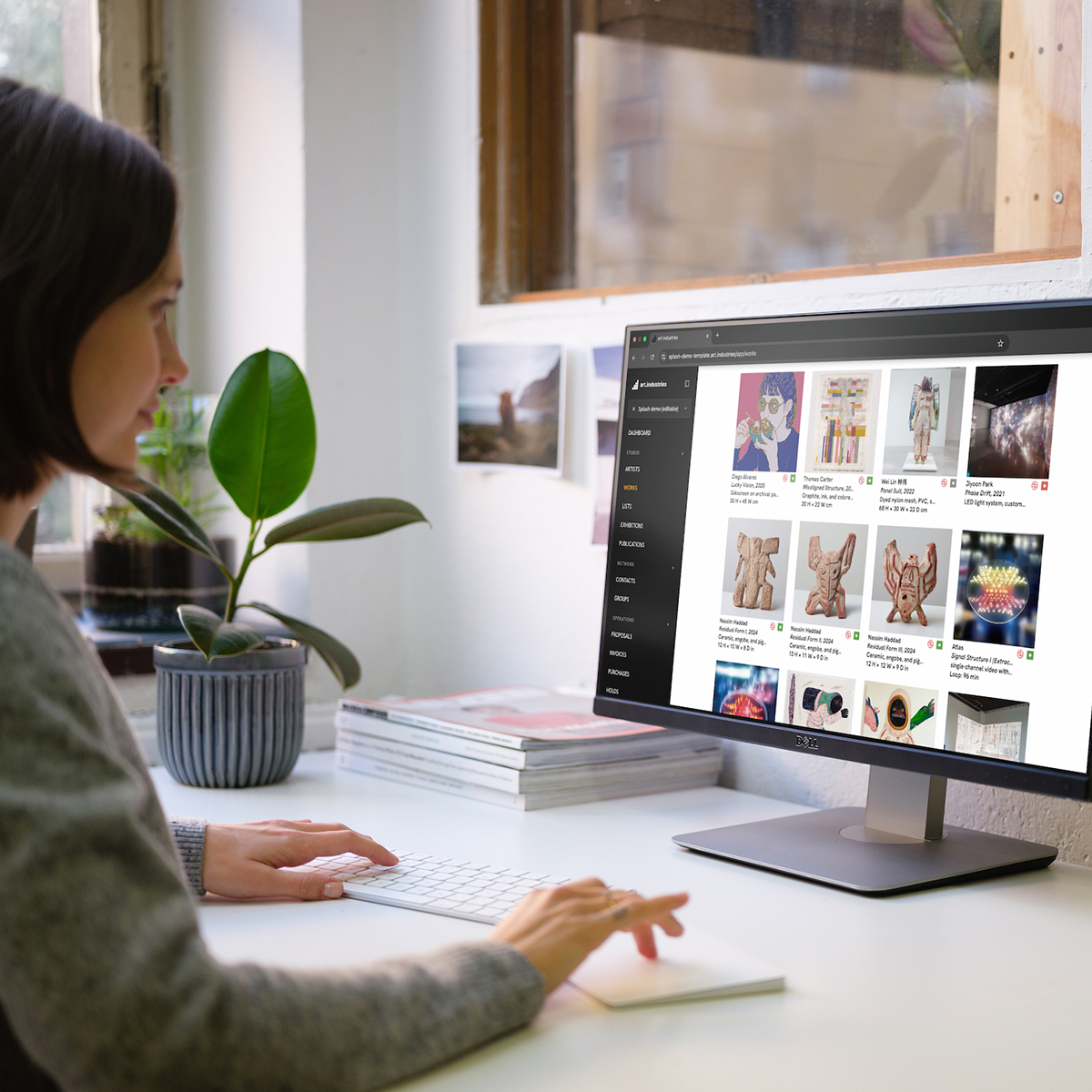
Discretion built in
Secondary-market and confidential consignments need more than a do-not-share note. Rooms support structural controls.
- Optional password gate with rotation per recipient.
- Email confirmation before the room loads.
- Watermarks on sensitive images and PDFs by default.
- Revoke a leaked link in one click; access events stay logged.
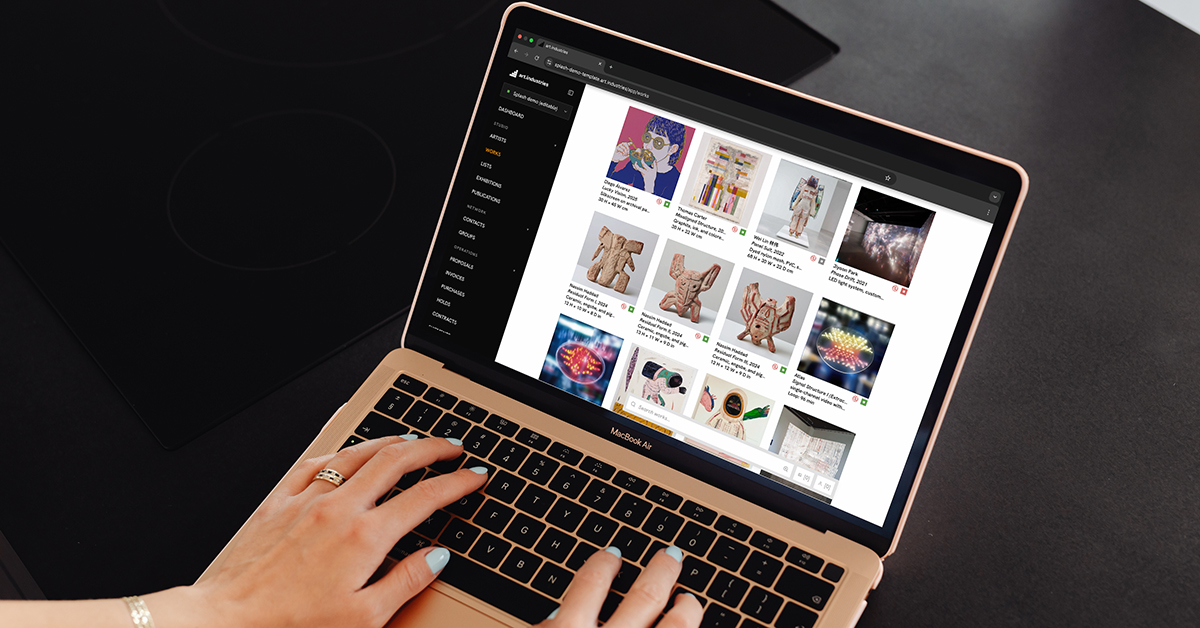
Engagement that drives the call
See which works held attention, when the collector reopened the room, and call while interest is live.
- Per-work time on page and revisit events on the contact.
- Timeline updates in CRM.
- Room alerts notify the owner during fair week.
- Send deposit links from the room or let the agent run a follow-up playbook.
- Rooms you sent appear in the collector's client portal alongside open invoices.

FAQ
- Do collectors need an account to view a room?
- No. Send a personalised link with optional email confirmation or password. Revoke access in one click; past visits stay on the CRM timeline.
- Can the same work appear in two rooms at different prices?
- Yes. Price visibility is per work per room. Reserves and sales stay consistent because they live on the inventory record.
- Do rooms update when a work sells?
- Yes. Availability and edition counts sync from live inventory, sold works update in every room without manual edits.
- Can I get notified when a collector opens the room?
- Subscribe to viewing room alerts per collector and room. Engagement also logs on the contact for pipeline follow-up.
- What should I send first?
- Pick three works and one collector from a recent fair conversation. Build the room on Core, send it tonight, and watch engagement before the booth opens.
Try private viewing rooms on free Core
Bring real works and contacts into the workspace, then run one loop from shortlist to invoice.