
Commerce
Online storefront
Self-serve checkout for eligible works on your domain, same inventory record as viewing rooms and pipeline, different sales mode.
Storefront orders are commerce; holds and draft invoices are deals. On Advanced, print-on-demand listings can run purchase → print → ship automatically once configured.
Commerce from the catalogue you already trust
Live inventory sync
Storefront blocks read availability, price, and images from inventory and edition runs.
EditionsStripe checkout
Guest checkout on your domain. Funds settle to your connected Stripe account with no platform cut on sales.
PaymentsPrint-on-demand (Advanced)
Configure a print profile on an edition listing; paid orders submit to our print partner automatically, live shipping quotes at checkout, production and dispatch without packing prints yourself.
Advanced planSelf-ship with Shippo
For books, multiples, and stock you hold on hand, Shippo rates generate labels and tracking at fulfillment time.
Storefront guideCRM attribution
Orders create or match a contact. Campaign UTM tags attribute revenue back to the send in CRM.
CRMEditions that commit on payment
Cart checkout reserves a copy; payment commits sold status through the same path as invoice paid and agent mark-paid.
- Numbered copies and catalogue works each use the right edition structure.
- Sold copies update private rooms and site feeds automatically.
- Refunds reverse inventory movement through the shared commit service.
- Installment plans on major works stay on the invoice path, not the storefront cart.
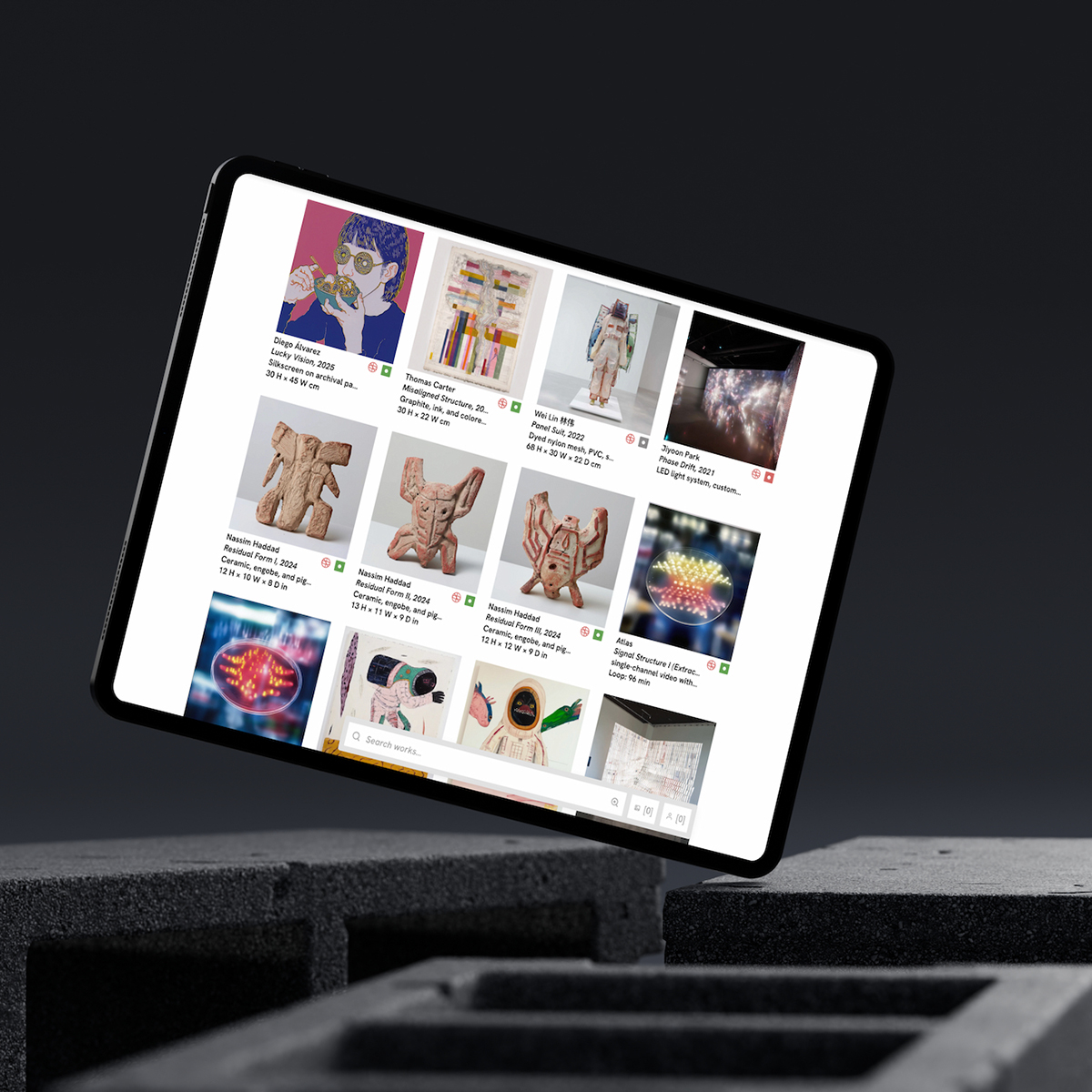
Built into Website Studio
Website Studio hosts the storefront on your custom domain alongside artist pages and exhibitions.
- Storefront blocks inherit typography, shipping rules, and tax settings from the workspace.
- Works feeds and storefront SKUs read from one catalogue, no second product list.
- Preview the public page before publishing a new run.
- Multilingual storefront pages publish per language with hreflang support.
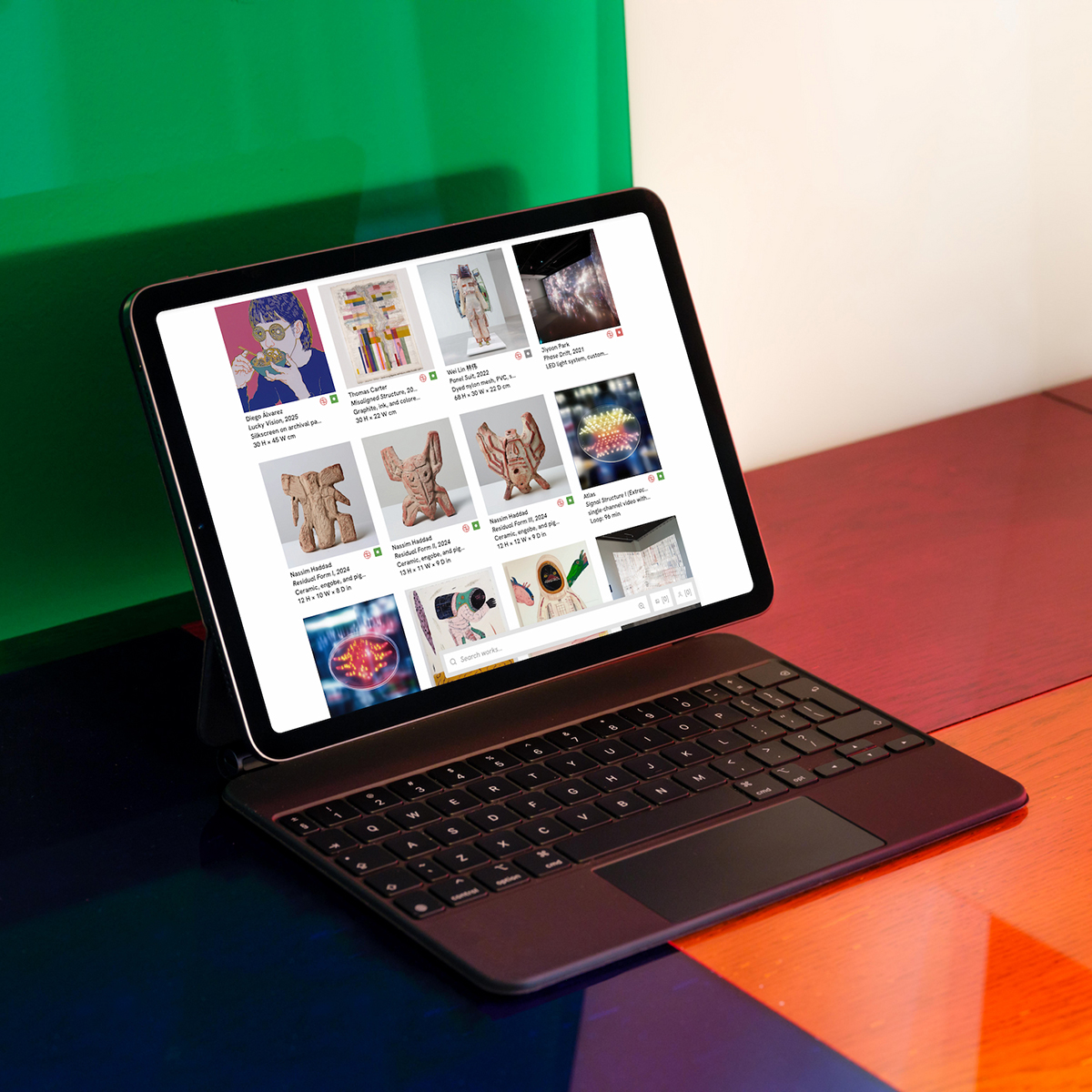
Print-on-demand from checkout to doorstep
On Advanced, attach a print fulfillment profile to a storefront listing. When the readiness checklist passes, the commerce loop is hands-off: collector pays, production submits to our print partner, shipping is quoted live at checkout, and tracking flows back to the order.
- Set retail price on the listing; production and shipping costs pass through platform billing when each order submits.
- Enable auto-submit on payment, or hold orders above a dollar threshold for staff approval first.
- Works alongside self-fulfilled SKUs, edition prints can be partner-print while books ship from your stock via Shippo.
- Same order record as every other storefront sale: CRM contact, revenue attribution, and inventory commit on payment.

Fulfillment without a side spreadsheet
Self-fulfilled orders show line items, shipping address, and label status. Partner-print orders show production and dispatch status from the print partner.
- Guest checkout creates a CRM contact with purchase history attached.
- Campaign-attributed orders link back to the originating send.
- Publications and merchandise share the same order pipeline as edition prints.
- See the storefront guide for tax, shipping, and fair-booth pickup flows.
FAQ
- How does print-on-demand work?
- On Advanced, enable print fulfillment in storefront settings and configure a print profile on the edition listing (partner SKU, dimensions, retail price). When the readiness checklist is green, a paid storefront order can auto-submit to our print partner, live shipping at checkout, production on payment, tracking on the order. You set retail; production and shipping costs pass through to your platform billing card. See pricing.
- Is the storefront for private sales and viewing rooms?
- No. Headline paintings and negotiated offers belong in viewing rooms and the sales pipeline, deals. The storefront is commerce: fixed-price self-serve checkout for editions, books, and multiples. Mark each work room-only, storefront-eligible, or both.
- Which plan includes the public storefront?
- Website Studio and the storefront are Advanced features. Invoicing and inventory work on Core independently. See pricing for the current matrix.
- How do edition copies reserve at checkout?
- Add-to-cart holds the copy until checkout completes or times out. Payment commits through the same helper as invoice paid, see Editions.
- Can I sell on my own domain?
- Yes. Publish on your custom domain with Website Studio. Checkout runs on your site via Stripe.
Try online storefront on free Core
Bring real works and contacts into the workspace, then run one loop from shortlist to invoice.