
Fair exhibitors
Software for exhibiting at art fairs and festivals
One catalogue for the booth checklist, wall labels, preview room, deposits, and the emails you send when you get home.
For commercial fairs, satellite fairs, craft markets, and festival booths. Craft-market vendors: see craft fairs software. Gallery shipping timeline: fair prep guide.
Run the booth from live inventory
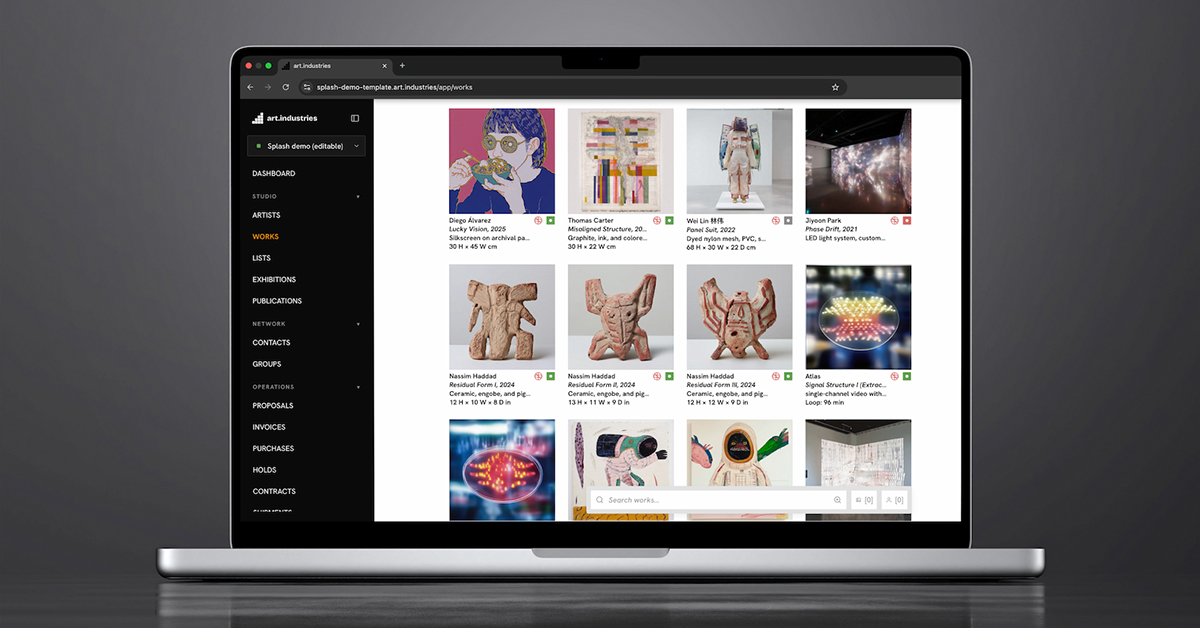
Booth work list
Tag works for this fair location, export checklist PDFs and price sheets, and reserve pieces before load-in.
InventoryPreview viewing rooms
Send a private viewing room of booth highlights to collectors and press before opening night.
Viewing roomsBooth payments
Take deposits and full payment with Stripe links from your phone; no countertop register required.
Booth paymentsFair CRM
Log booth conversations on the contact, linked to the works discussed, ready for Monday follow-up.
CRMLabels & exports
Wall labels, tear sheets, and customs paperwork generate from the same records as the booth list.
Exports & PDFsGalleries: fair week without a side spreadsheet
A commercial gallery booth is an exhibition under shipping deadlines. Lock the work list two weeks out, print labels from inventory, and reconcile returns in one batch when the crates come home.
- Consignment splits and lender lines stay on each work through the fair record.
- Preview viewing rooms go out before vernissage; holds and deposits update availability everywhere.
- The full Basel-to-returns timeline lives in the fair prep guide.
- Post-fair follow-up runs from booth notes, not memory.
Artists: your booth, your sales record
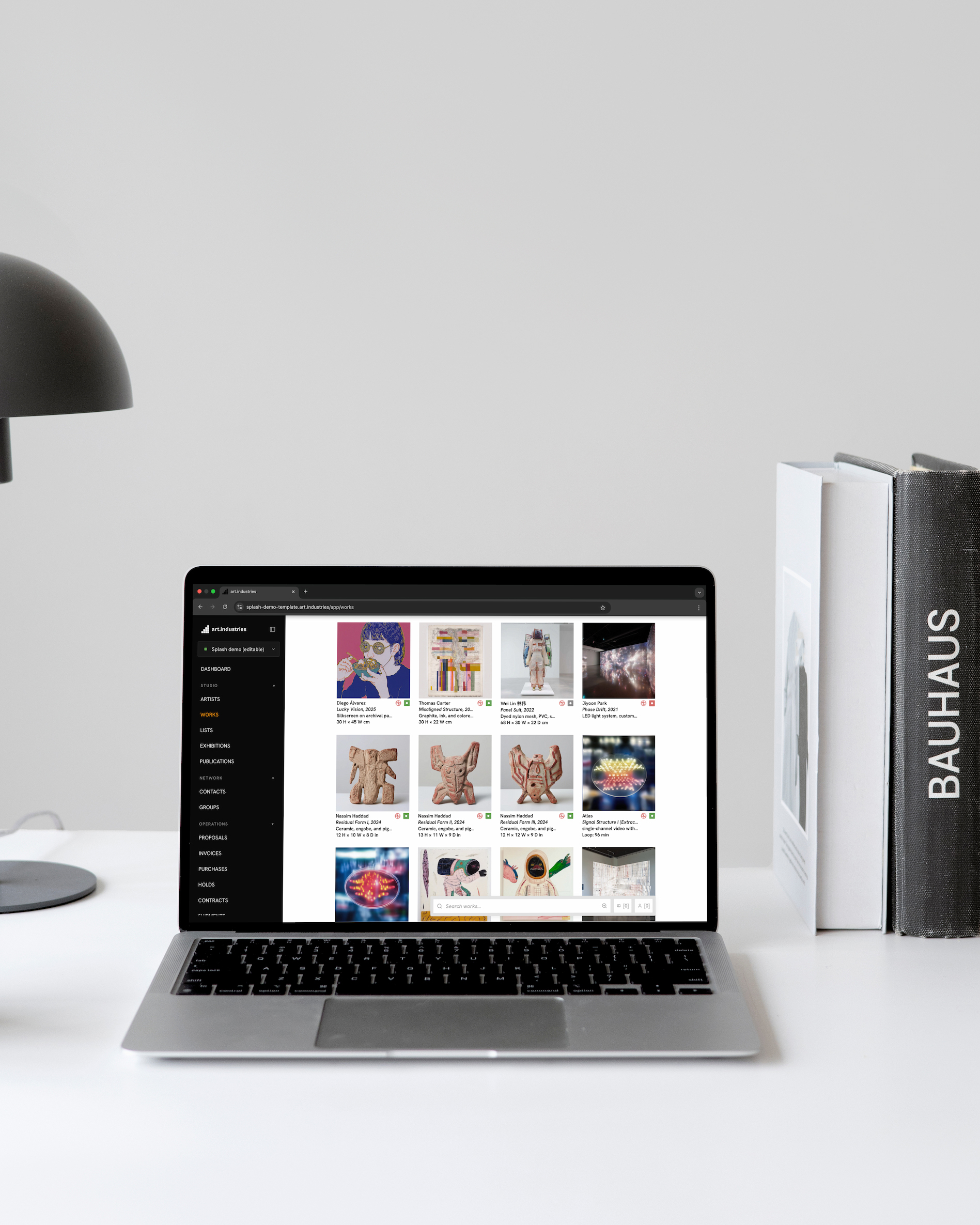
Solo artists and studio booths sell edition runs and one-offs at fairs without a registrar on staff. The same piece record powers the price list, the payment link, and the collector who asks for photos after the show.
- Edition counts and availability stay honest when you sell 3/25 on Saturday.
- Capture fair leads on the contact with the works they lingered on.
- Send a follow-up viewing room of unsold booth work the week after.
- See Software for artists for the full studio loop between fairs.
Makers & jewelers: markets and festival booths
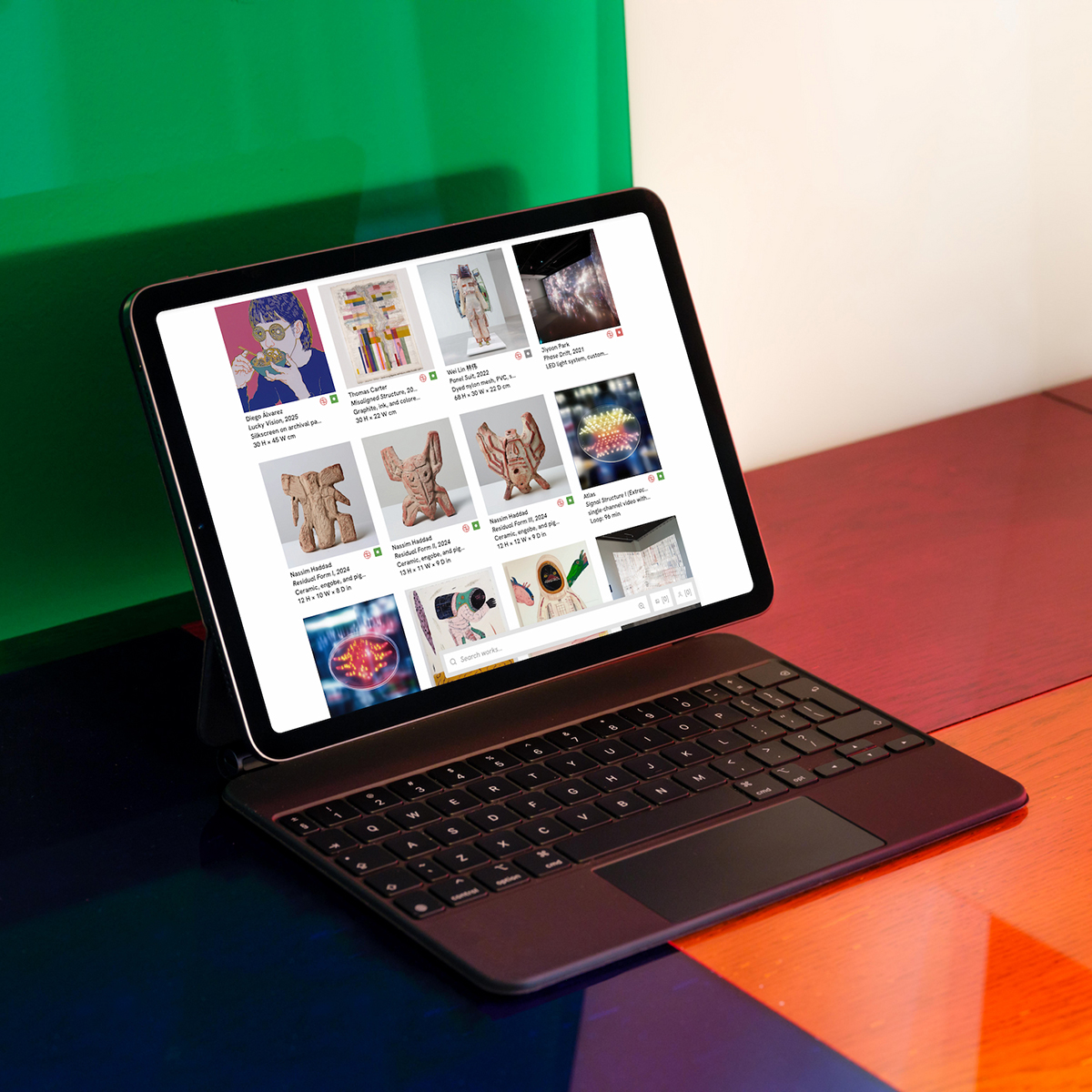
Craft fairs, trunk shows, and jewelry festivals use the same booth discipline as a gallery stand: checklist before load-in, card payment on the buyer's phone, sold status before you repack the van.
- Filter inventory by fair location; export a checklist PDF the night before.
- Wholesale buyers and repeat collectors live in the same CRM as retail fair sales.
- Mark cash or external sales so stock counts reconcile Sunday night.
- Craft-market detail: craft fairs software. Studio year-round: makers and jewelers.
FAQ
- Who is this page for?
- Galleries, artists, makers, and jewelers who exhibit at art fairs, craft markets, and festivals. You bring work to a booth and need inventory, sales, and follow-up in one system.
- How is this different from craft fairs software?
- This page covers the full exhibitor spectrum, including gallery booths at Basel and artist fair presentations. Craft fairs software goes deeper on artisan markets and holiday shows for studio vendors.
- Can we take payments at the booth without Square or Shopify POS?
- Yes. Stripe payment links and invoices from the work record cover card and wallet checkout on the buyer's phone. See gallery POS alternative for why retail registers miss edition and consignment sales.
- Does it work on unreliable fair Wi-Fi?
- Yes. The web app caches inventory locally and reconciles when connectivity returns. Look up dimensions, mark sold, and draft contacts during Wi-Fi drops; heavy photo uploads wait for a real connection.
- How do galleries handle shipping and customs?
- Booth lists export with dimensions and declared values for labels and paperwork. The step-by-step international timeline is in fair prep for galleries.
- What does free Core include for a fair season?
- Core (no card required) covers inventory, CRM, viewing rooms, invoicing, and Stripe payment links up to the entry capacity tier. Advanced ($30/month) adds your own-domain website, email campaigns, and the public storefront. See pricing.
Build your next booth list on free Core
Tag the works going to the fair, export one checklist PDF, and send one payment link at a test price. If that loop works, it scales to every show on your calendar.