
Inventory
Art inventory software
Catalogue artworks, track where they are, and keep images, prices, editions, and documents on one record.
The catalogue your rooms, invoices, website, and campaigns all read from.
Organize and manage your inventory
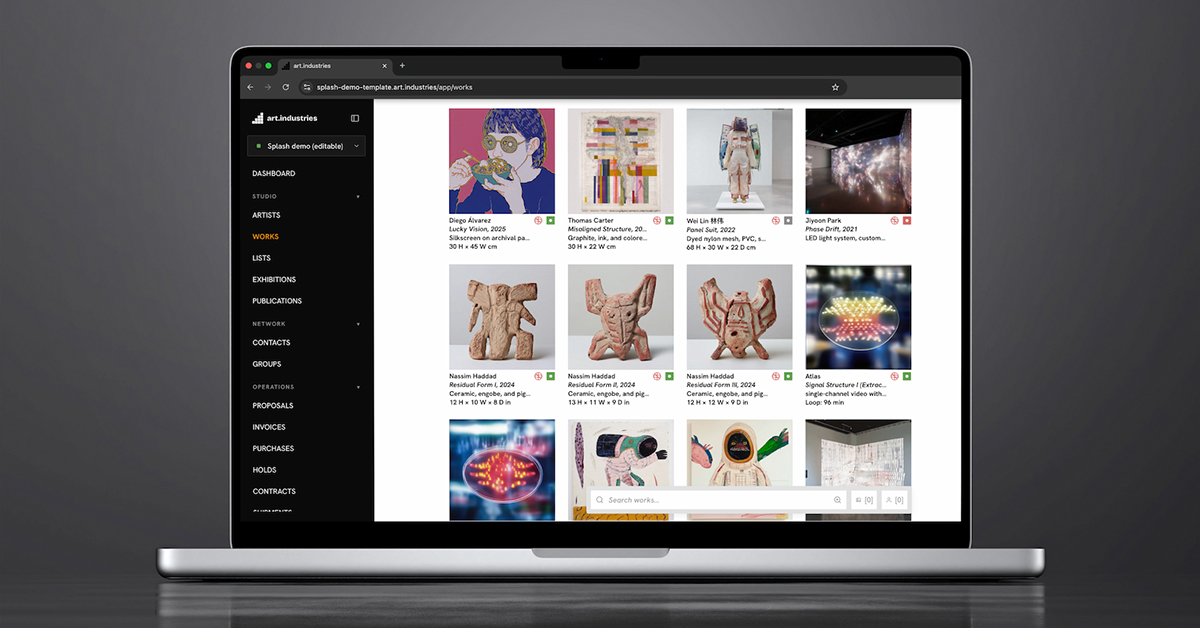
Works, artists & editions
Capture title, dimensions, medium, year, and edition number once. Numbered runs and print editions live in the Editions tab.
EditionsLocations & shipments
See where each work sits across storage, the gallery, fairs, loans, and active shipments.
Multi-location guidePrice history & sales
Log offers, sales, and revaluations on the work so the next conversation starts with context.
Sales pipelineDocuments & images
Attach provenance, condition reports, COAs, and photography to the work they belong to.
Condition reportsOne catalogue for the whole team
When the inventory is trusted, wall labels, PDF catalogues, invoices, rooms, and the public site all pull from the same record.
- Works carry artist, title, dimensions, medium, year, edition number, and primary image.
- Statuses like available, reserved, on hold, sold, and on loan mean the same thing everywhere.
- Edition runs keep copy 4/10 as 4/10 across rooms, storefront, and statements.
- Every status change logs who changed it, when, and why.

Know where every work is
Track storage, gallery rooms, fair booths, loans, and shipments without a side spreadsheet.
- Locations are structured records: storage units, rooms, booths, and lender venues.
- Each move is a custody event with handler, date, and condition note.
- Filter by location to plan a fair shipment in minutes.
- Dimensions and values feed customs paperwork, lender certificates, and insurer schedules.
Connected to sales and publishing
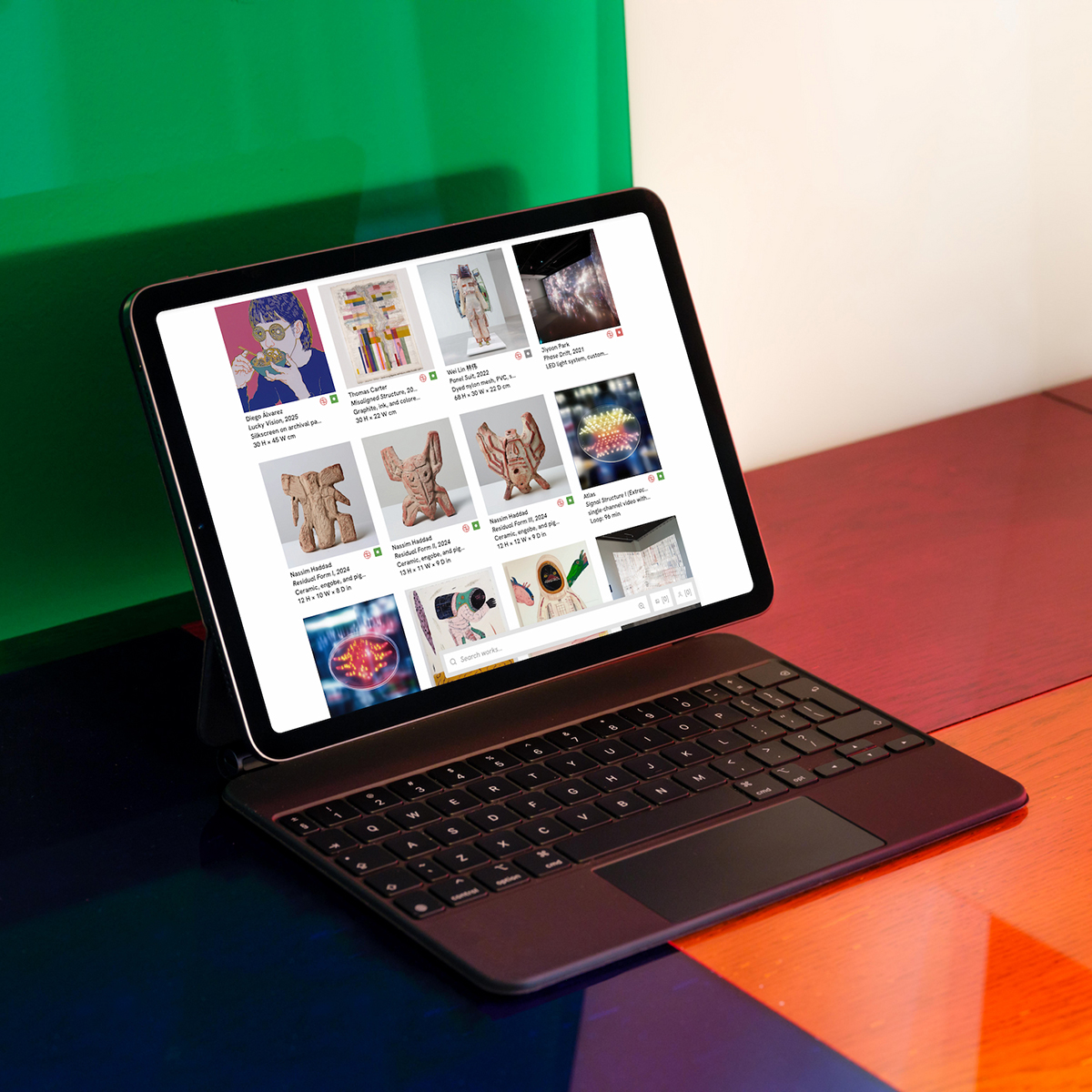
Inventory updates flow into CRM, viewing rooms, invoicing, and your website without retyping.
- CRM conversations reference the works under discussion.
- Rooms and storefront reads show live availability and edition counts.
- Paid invoices and checkout commit edition copies through one path.
- The AI workspace agent reads the same catalogue when drafting invoices or rooms.
The fields a working artwork record carries
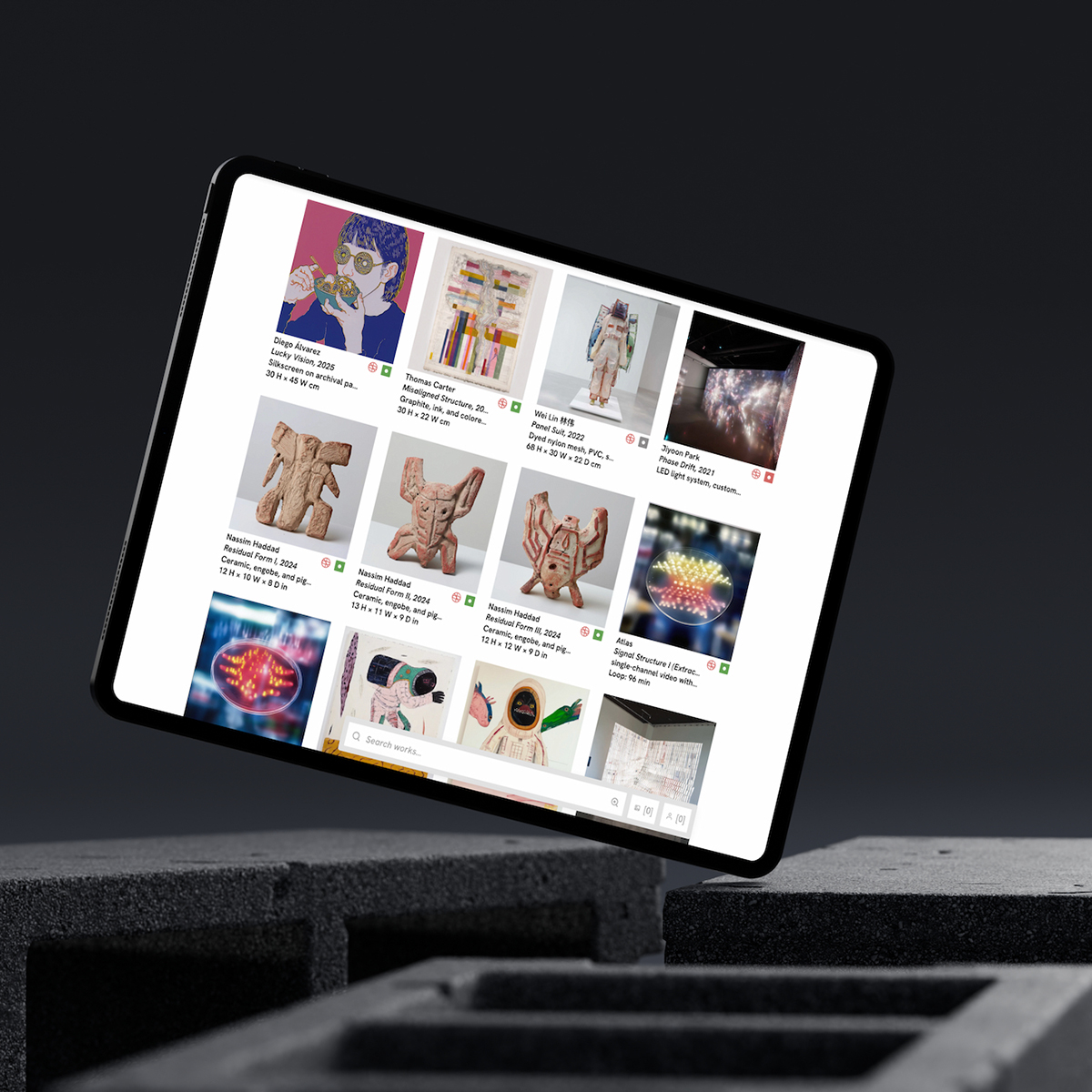
Concrete from day one: every record holds the data the registrar, the insurer, and the eventual sale ask for.
- Identity: artist, title, year, medium, category, dimensions, inventory number, and images.
- Commerce: list price, currency, cost, availability, stage, owner, and consignor.
- Custody: current location, custody history, condition reports, and shipments.
- Documents: provenance, certificates, and contracts. Start by importing your current spreadsheet; columns map with a validation preview. See the inventory guide.
FAQ
- Can we import our existing spreadsheet?
- Yes. Columns map with a validation preview before commit. Start with works, artists, and current statuses; add documents and locations once the core records are in. See the inventory guide.
- How do editions and unique works coexist?
- Numbered runs live in the Editions tab. Unique works stay on the main catalogue row. Rooms, storefront, and invoices read the correct structure per work.
- Does inventory sync to viewing rooms and the website?
- Yes. Private rooms, Website Studio, and invoices pull from the same availability and edition counts.
- Can we track works across storage, fairs, and loans?
- Locations are structured records with custody history. Filter by location to plan a fair shipment or lender return in minutes.
- What should we catalogue first?
- Import your current fair or booth list — thirty works with images, dimensions, and status. Run one room send from that selection to prove the loop.
Try inventory management on free Core
Bring real works and contacts into the workspace, then run one loop from shortlist to invoice.